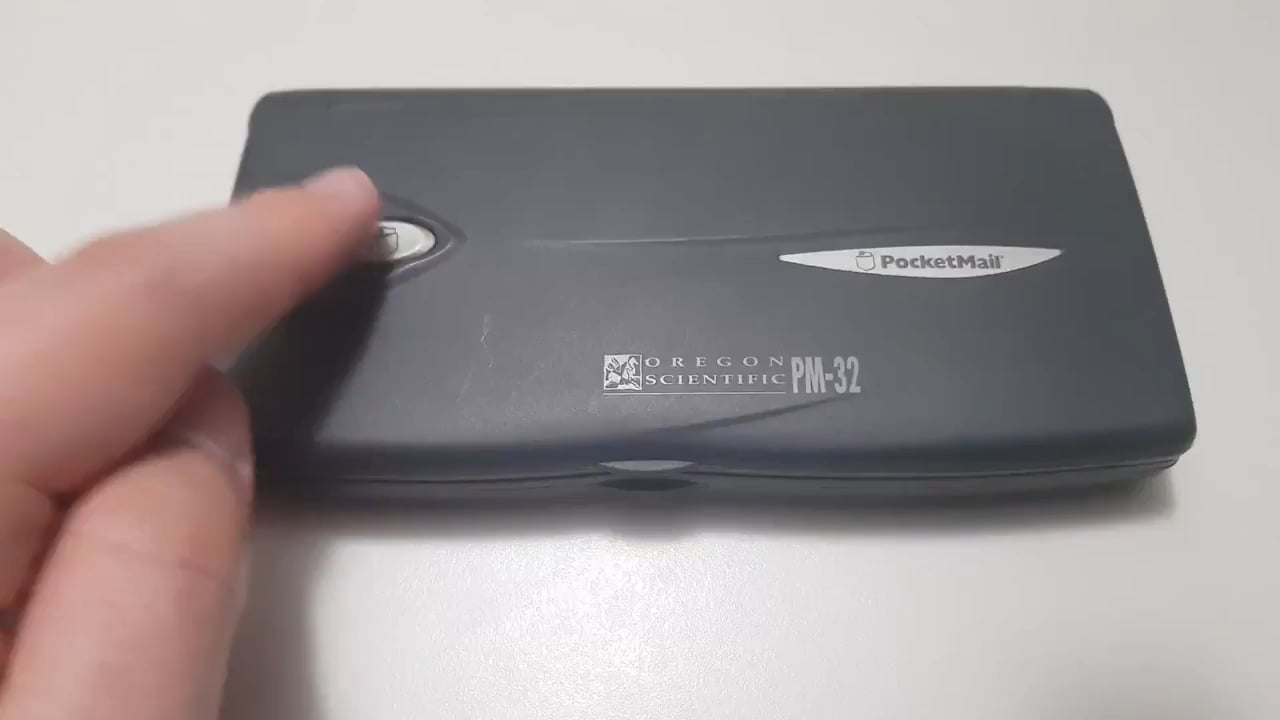
The Oregon Scientific PM-32 “Pocketmail” assistant to access emails without having to use a computer with an internet connection, late 1990s / early 2000s
by art-man_2018

The Oregon Scientific PM-32 “Pocketmail” assistant to access emails without having to use a computer with an internet connection, late 1990s / early 2000s
by art-man_2018
2 Comments
Sorry, I had to post this weirdly… You can’t post pics with videos and I wouldn’t post a gif without this audio. So…
Without Wi-Fi one had to use the acoustic coupler on the underside of the device. You had to hold the device up to the handset of a landline telephone. So if you had a PocketMail account (with a special email address ending in @pocketmail.com) and were away from your computer or office, you simply dial the phone number for the PocketMail service on the nearest landline telephone, then hold the device up to the handset so that it can send and receive email data with the email server in the form of audio and the email was received or sent. [More pics here…](https://imgur.com/a/a20Snr1) [More information here…](http://www.dansdata.com/pocketmail.htm)
Wonder what this retailed for?